
Google Business Profile Suspended After Address Change? Here’s How to Get Reinstated
When all you’re trying to do is update your business address, the last thing you expect is a suspension. Updating your Google Business Profile address should be simple. Most business owners expect to enter the new location and move on with their day. Instead, the business listing gets flagged, the profile is suspended, and calls from Google Maps can drop overnight.
This happens often when businesses update their address, especially home service companies that rely on local search visibility to attract new customers. The good news is that most of these suspensions can be reversed.
This guide outlines the same three-step process we use to help business owners recover from a Google Business Profile suspension. Resources and helpful links are included to make each step easy to follow and ensure you know exactly what to do next.
Why Google Suspends Your Business Profile After an Address Change
Google treats an address change as a high-risk event. Many scams involve fake locations, virtual offices, or multiple listings meant to trick Google Search users. Because of this history, Google may suspend a profile until it confirms the physical address is real.
A suspension does not mean the owner violated Google’s guidelines or posted prohibited content. It is simply a checkpoint. Google wants to protect customers from misleading business information and keep trust in the platform strong. A complete and accurate appeal shows that the listing belongs to the same business and is allowed on Google Maps.
Most reinstatements follow three steps:
- Make sure the new address is eligible.
- Gather documents proving that the business operates at that address.
- Submit a clear appeal with correct information.
Step 1: Confirm Your New Address Is Eligible for Google Business Verification
Address eligibility is the first thing to review. Google only verifies real business locations with a visible address or a proper setup for a service area business. Many suspensions happen because the address itself is not allowed.
Google must confirm that actual work happens at the listed location. Some address types trigger automatic problems and delays.
Red Flags That Make Reverification Difficult
- PO Boxes
- Virtual office addresses used by many unrelated businesses
- Coworking spaces without a dedicated office or permanent signage
These locations create potential issues because Google cannot confirm who works there. An address must show clear business ownership or a documented business license, official business registration, or similar proof. A dedicated office or commercial space provides the best chance of reinstatement.
If any of these red flags sound familiar, our in-depth blog post How to Choose a Verifiable Address for Google Business Profile explains how to select an address that Google is more likely to approve.
Step 2: Gather the Right Documentation to Prove Your New Location
After confirming the address is valid, the next step is collecting documents. Google relies on official records to confirm that the business is real and active at the new location. This step matters more than anything else.

Strongest Documentation Sources
- Articles of Incorporation or Secretary of State records with the real address
- Utility bill with the business name and address
- Certificate of insurance with matching details
These documents carry weight because they show legal or operational proof. Google checks for policy violations, suspicious activity, or mismatched business information. Clean, accurate documents reduce these concerns.
Matching Your Business Name and Address Exactly
Google compares every detail on your documents to the information in your Business Profile. Any mismatch can delay or block reinstatement.
Check the following:
- Spelling
- Suite numbers
- Abbreviations
- Legal suffixes such as LLC or Inc.
- Phone numbers
- Business hours
Accurate NAP information (Name, Address, Phone) supports local business ranking and helps avoid future suspensions. It is also smart to regularly review your listing for errors, outdated details, or keyword stuffing, which may lead to business profile suspension.
Step 3: Submit Your Appeal Through Google’s Official Support Flow
The appeal is submitted through Google’s reinstatement form. This is where you upload evidence, explain the move, and track the review. You must use the manager’s Google account or an account with full access to the listing.
A clean and complete submission helps Google approve the appeal faster. Google accepts common file types such as PDF, JPG, and PNG. Clear scans or photos support the review and reduce requests for additional evidence.

What to Include in Your Appeal Submission
- A short explanation of the address change
- All documents showing the business name and new address
- Photos of signage or the location if Google requests them
- Copies stored for your records
A complete packet removes guesswork and helps you regain access faster.
How Long Reinstatement Takes and What Happens If Google Requests More Proof
The timeline for reinstatement varies. Some businesses hear back within two days, while others wait up to two weeks or more. A delay does not always mean a problem.
Google may request video verification after reviewing your documents. This step is becoming more common, especially when Google finds potential issues or needs additional evidence.
The process involves showing the location, signage, and workspace during a guided video call. This is normal and helps confirm that the listing matches real-world business operations.
For more information about this step, you can refer to this video, , where I explain the process in detail.Bringing Your Suspended Google Business Profile Back on the Map
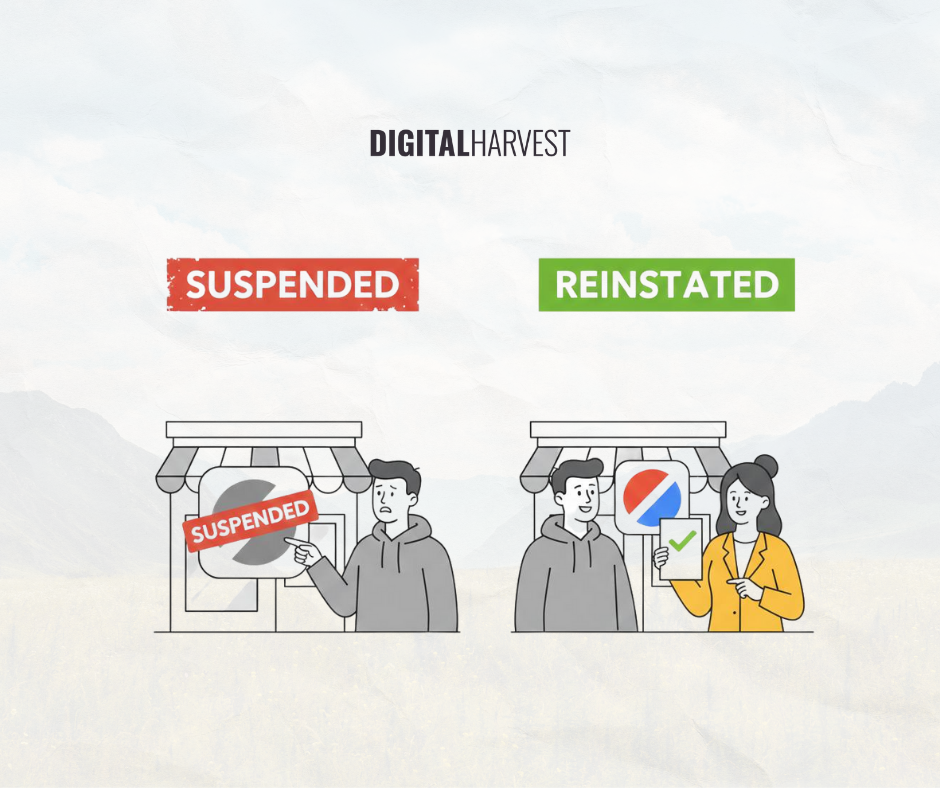
A suspended Google Business Profile can slow down calls and create real stress for business owners. The good news is that reinstatement is very achievable. Once you confirm the address, gather the required documents, and submit a clean appeal, Google usually brings the listing back online without trouble.
At the end of the day, many business owners just want someone to guide them through this process because it can feel confusing and high-stakes. Digital Harvest makes it easier. We help you get your documents in order, walk you through the appeal, and ensure everything is submitted correctly.
With a team that understands what Google expects and how to avoid the usual pitfalls, your chances of getting reinstated improve dramatically. Let’s bring your listing back where it belongs, book a consultation, and we’ll walk through the process together.